Познакомьтесь с презентациями нашего сервиса для отдельных отраслей:
Загрузка
14.06.2026
Автоматическая расстановка 3D-моделей
Все новостиСоздайте дизайн-проект для клиента в 1 клик
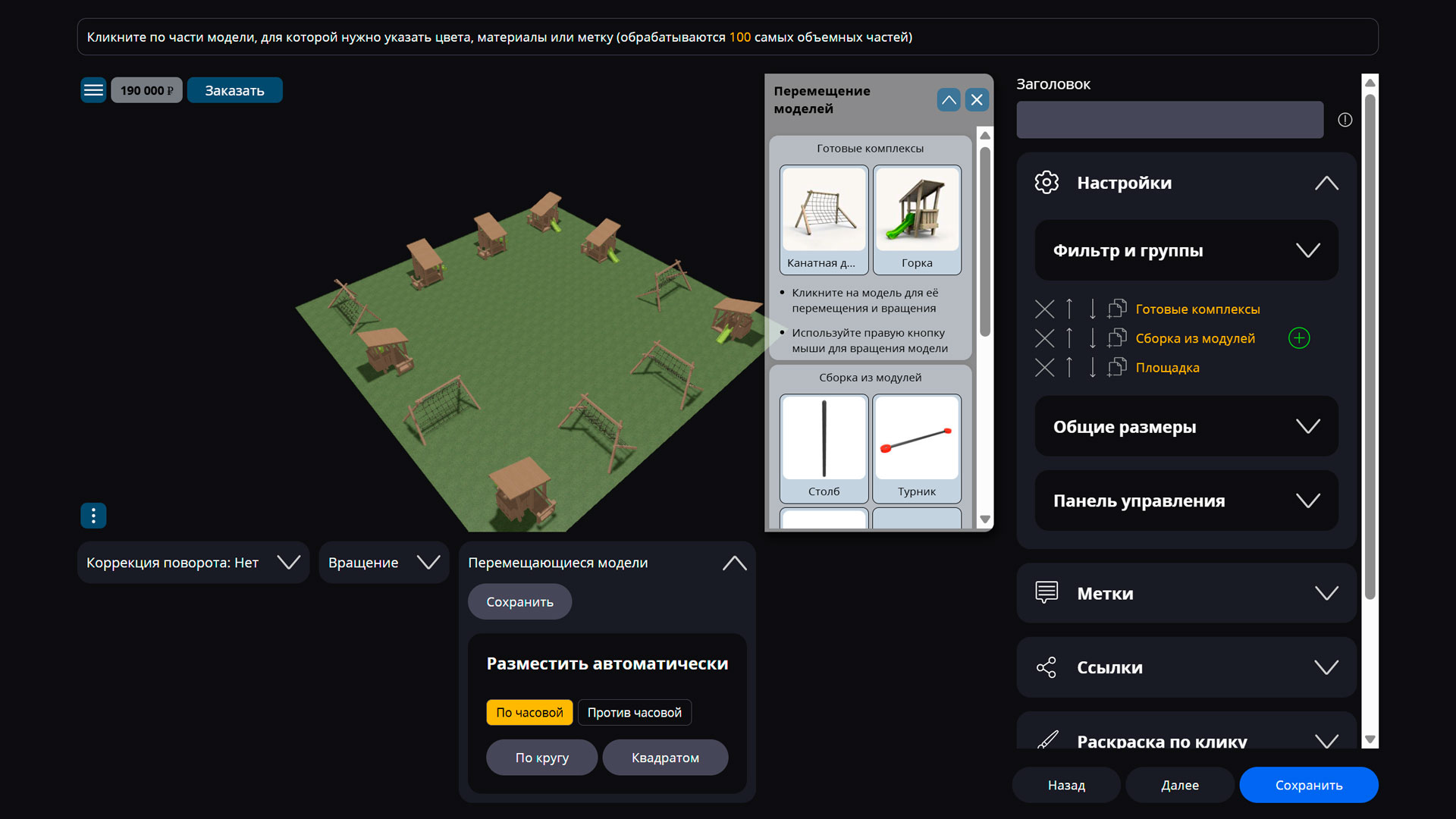
В личном кабинете появилась возможность автоматически расставлять объекты на площадке с учетом зон безопасности и данных о входе и выходе из отдельных частей комплекса.
Чтобы создать область безопасности, достаточно внутри моделей добавить прозрачную плоскость нужных размером, чтобы габариты объекта были с учетом этой зоны.
По умолчанию направление движения внутри модели совпадает с направлением взгляда, когда зритель стоит перед объектом вдоль оси Z.
Также можно самостоятельно задать нужный вход и выход из объекта с помощью частей модели, которые в имени содержат «marker_enter» для входа и «marker_exit» для выхода.
Благодаря авто-расстановке вы в разы экономите время своих сотрудников на создание демонстрационных проектов для потенциальных клиентов.