Познакомьтесь с презентациями нашего сервиса для отдельных отраслей:
Загрузка
16.04.2026
Планировщик модульных конструкций на вашем сайте
Все новостиПредоставьте покупателям собрать свой товар из ваших комплектующих в трехмерном виде
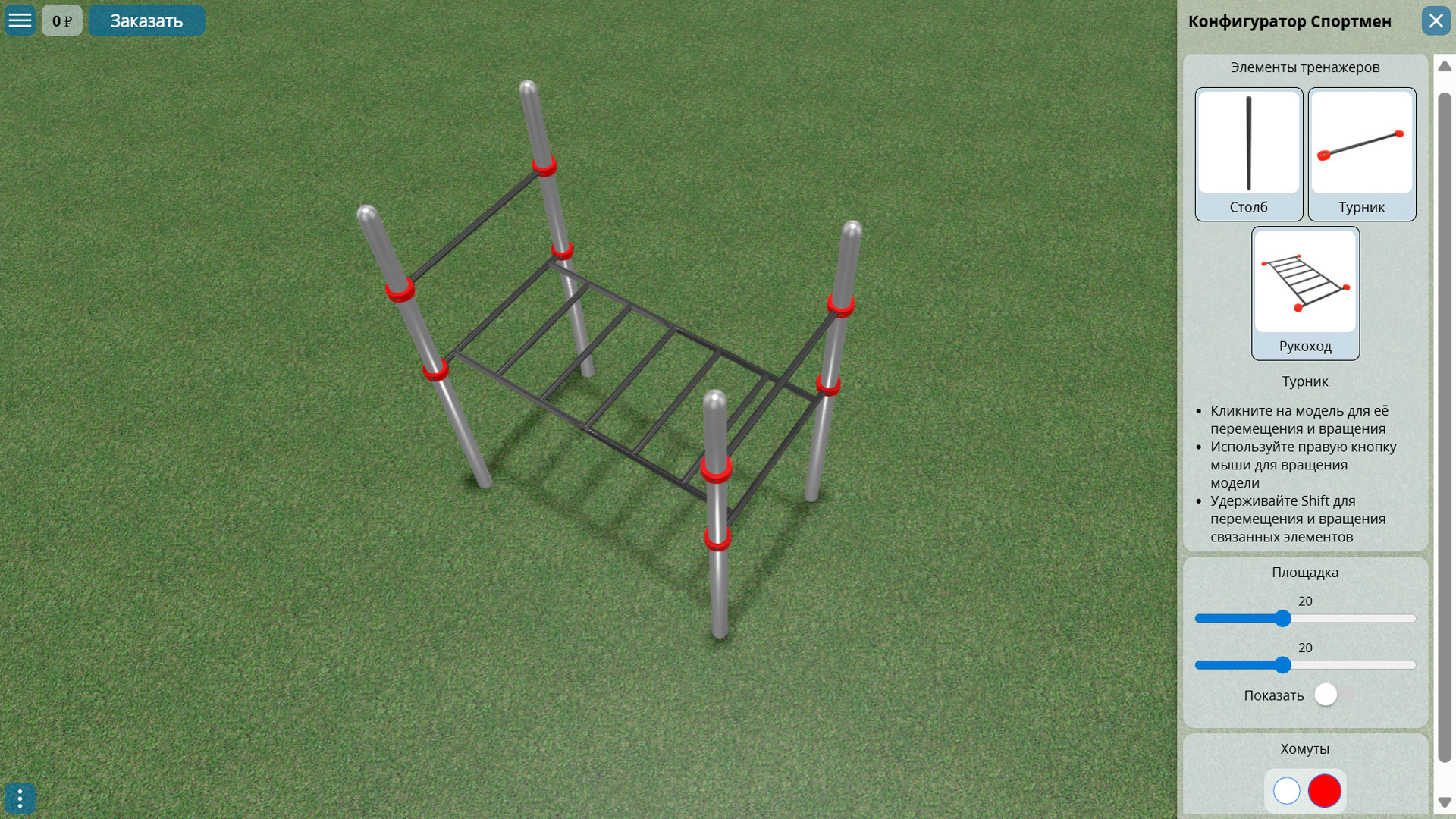
Теперь можно создавать более сложные конфигураторы путем размещения на поверхности любого числа моделей, которые можно стыковать друг с другом в горизонтальной плоскости. Для этого нужно в имена стыковочных частей моделей добавить строку «connect».
Чтобы перемещать или вращать связанные элементы нужно использовать клавишу Shift вместе с левой и правой кнопками мыши соответственно.
Также перемещающиеся модели можно размещать на произвольную высоту от поверхности земли или пола.
Доступны стыковки через центры частей модели, или когда части модели располагаются рядом с друг с другом.