Познакомьтесь с презентациями нашего сервиса для отдельных отраслей:
Загрузка
04.11.2025
Перемещение модели
Все новостиПросмотр модели стал более удобным
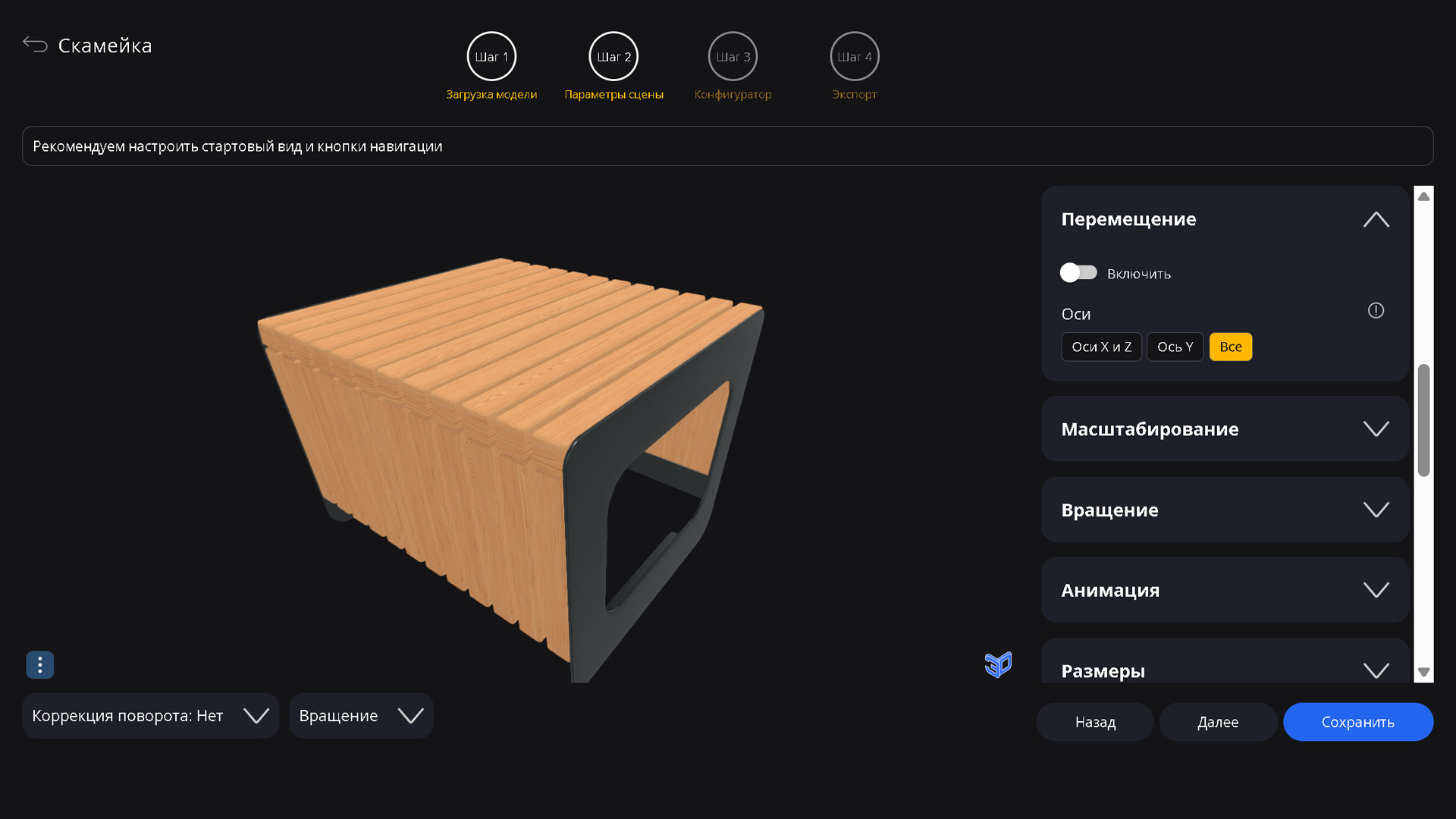
На втором шаге появилась вкладка «Перемещение», где можно включить возможность смещать точку обзора для более детального осмотра модели с разных сторон.
Перемещать модель можно правой кнопкой мыши на десктопе или стандартным жестом двумя пальцами на мобильных устройствах.
Также можно ограничить перемещение только горизонтальной плоскостью или вертикальной осью.